

Logging Into TikTok: Complete TikTok Account Login Guide
Logging into TikTok is the first step to accessing one of the world’s most popular short-video platforms. Whether you are a casual user, content creator, or business owner running advertising campaigns, understanding how to access and manage your TikTok account properly is essential for both security and performance.
In this guide, you’ll learn how to log into TikTok on different devices, explore the available TikTok account types, troubleshoot common login issues, and discover best practices for protecting your account.
What Is Logging Into TikTok?
Logging into TikTok refers to the process of verifying your credentials to access your TikTok account. Once logged in, users can enjoy a wide range of features, including watching videos, creating content, engaging with audiences, managing TikTok Ads, and operating TikTok Shop.
As TikTok continues to expand globally, having a TikTok account has become increasingly valuable for personal entertainment, brand building, and business growth.
A TikTok account allows users to:
- Watch and interact with videos
- Follow creators and influencers
- Publish original content
- Host live streams
- Run advertising campaigns
- Manage eCommerce activities through TikTok Shop
Popular Methods for Logging Into TikTok
TikTok offers multiple login options to make account access simple and convenient.
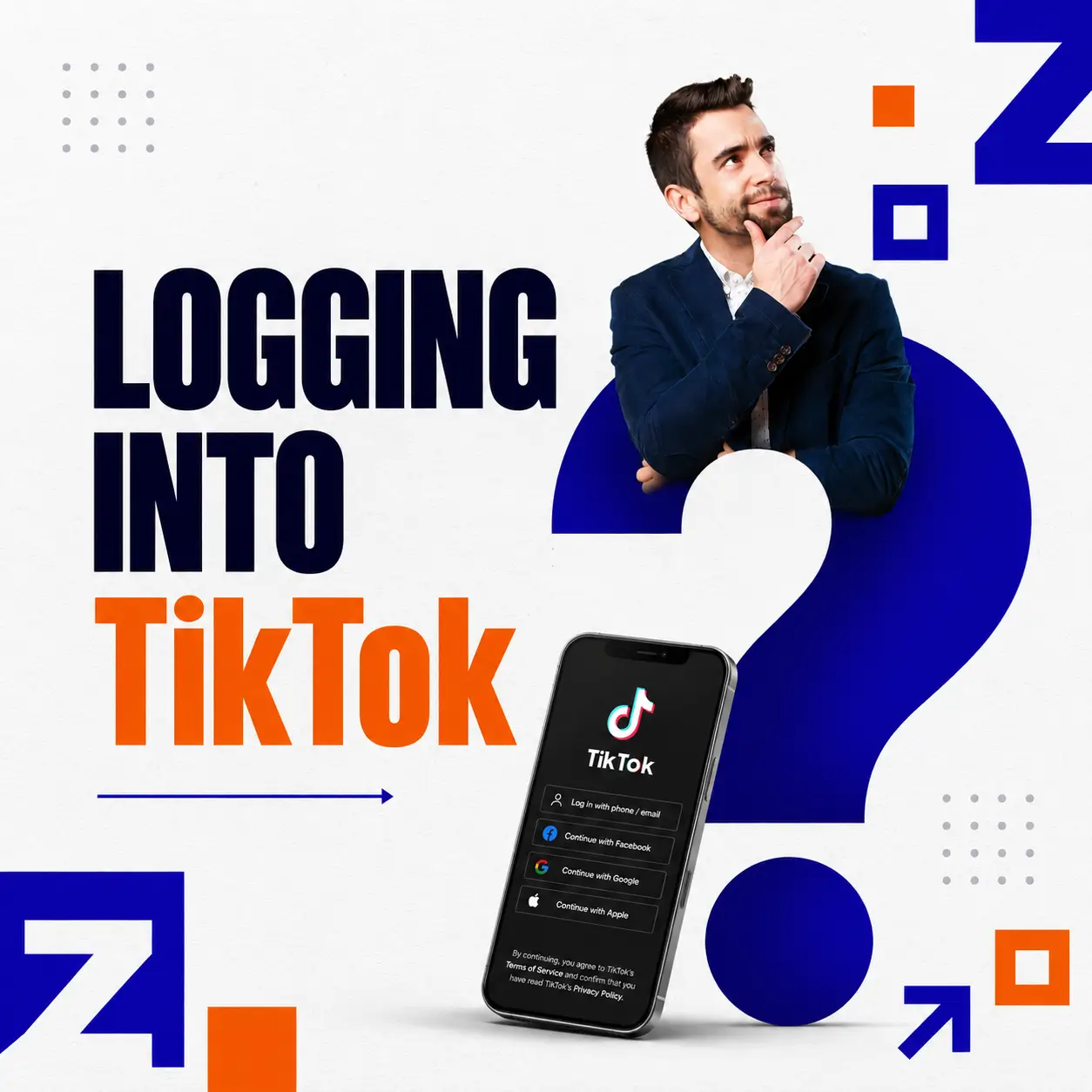
Logging In With a Phone Number
Using a phone number is one of the most common ways to access a TikTok account.
Users simply enter their registered phone number and verify their identity through a one-time password (OTP).
Benefits include:
- Quick account access
- Easy account recovery
- Enhanced security through verification
Logging In With an Email Address
Users who have linked an email address to their TikTok account can log in using their email and password.
This method is particularly useful for those who frequently switch between devices.
Logging In With Google
TikTok supports Google account integration, allowing users to sign in without manually entering credentials every time.
Advantages include:
- Faster login process
- Simplified account management
- Seamless device synchronization
Logging In With Facebook or Apple ID
TikTok also allows users to access their accounts through Facebook or Apple ID.
Apple ID login is especially popular among iPhone users who prefer a streamlined authentication process.
Logging Into TikTok on Desktop
In addition to the mobile app, TikTok provides web access through desktop browsers.
Users can visit TikTok’s website, click the login button, and choose their preferred authentication method.
Desktop login is especially beneficial for marketers, content managers, and businesses handling multiple campaigns.
How to Log Into a TikTok Account on Mobile and Desktop
Logging Into TikTok on Mobile Devices
Follow these simple steps:
Step 1: Download and open the TikTok app.
Step 2: Tap the “Log In” button.
Step 3: Choose your preferred login method.
Step 4: Enter your credentials or verification code.
Step 5: Complete the authentication process.
After successful verification, you’ll be directed to the TikTok home page.
Logging Into TikTok on a Computer
To access your TikTok account from a desktop browser:
Step 1: Visit TikTok’s official website.
Step 2: Click “Log In.”
Step 3: Select your preferred login option.
Step 4: Enter the required credentials.
Step 5: Complete any additional verification if prompted.
Desktop access is ideal for businesses managing content calendars, analytics, and advertising campaigns.
Managing Multiple TikTok Accounts
TikTok allows users to switch between multiple accounts without logging out each time.
To add another account:
- Go to your profile page
- Tap your account name at the top
- Select “Add Account”
- Log in using your secondary credentials
This feature is particularly useful for creators and businesses managing multiple TikTok accounts simultaneously.
TikTok Account Types: Which One Should You Choose?
TikTok currently offers two primary account types.
Personal Account
A Personal Account is designed for individual users and content creators.
Benefits include:
- Full access to TikTok’s music library
- Flexible content creation options
- Ideal for influencers and creators
Business Account
A Business Account is designed for brands, companies, and organizations.
Key features include:
- Advanced analytics tools
- Access to business-focused features
- Improved audience insights
- Advertising integration capabilities
Personal Account vs. Business Account
While Personal Accounts focus on content creation and engagement, Business Accounts provide tools specifically designed for marketing and brand growth.
Companies looking to expand their presence on TikTok often choose Business Accounts to gain access to analytics and advertising resources.
When Should You Upgrade to a Business Account?
If your goal is to promote products, increase brand visibility, or run TikTok advertising campaigns, upgrading to a Business Account is highly recommended.
Businesses seeking greater campaign stability and improved advertising performance may also consider a Rent TikTok Agency Ad Account solution to support large-scale marketing activities.
Common Logging Into TikTok Issues and How to Fix Them
Even though TikTok’s login process is straightforward, users occasionally encounter problems.
Forgot Your Password
This is one of the most common login issues.
To reset your password:
- Tap “Forgot Password”
- Verify your email or phone number
- Create a new password
Verification Code Not Received
Possible causes include:
- Poor network connectivity
- Incorrect phone number
- Email delivery delays
Try requesting a new code after a few minutes or double-check your contact information.
Incorrect Login Credentials
Make sure you verify:
- Username
- Email address
- Password
- Registered phone number
Small typing errors are often responsible for login failures.
TikTok Account Locked or Restricted
TikTok may temporarily restrict account access if suspicious activity or policy violations are detected.
Users should follow TikTok’s verification and appeal process to restore access.
Unable to Log In Across Multiple Devices
When unusual login activity is detected, TikTok may require additional security verification before allowing access from new devices.
Best Practices for Securing Your TikTok Account
Protecting your TikTok account is essential, especially if you use the platform for business purposes.
Enable Two-Factor Authentication
Two-factor authentication (2FA) adds an additional layer of protection by requiring verification during login attempts.
Monitor Logged-In Devices
Regularly review the list of active devices connected to your account and remove any unfamiliar devices immediately.
Keep Contact Information Updated
Maintaining accurate email and phone details makes account recovery much easier if login issues occur.
Avoid Phishing Links
Only log into TikTok through official websites and applications.
Never share your login credentials with third-party services or suspicious websites.
For brands investing heavily in TikTok Ads, account security is especially important to prevent unauthorized access and campaign disruptions.
Businesses looking to improve advertising performance and account management efficiency can also explore TikTok Adversing Account Management services for professional support.
Conclusion
Logging into TikTok is a simple process, but understanding the available login methods, account types, and security practices can significantly improve your experience on the platform.
Whether you’re using TikTok for entertainment, content creation, or business growth, maintaining a secure TikTok account should always be a priority. By following the best practices outlined in this guide, users can enjoy seamless access while protecting their valuable account information.
FAQ
Is logging into TikTok free?
Yes. Logging into TikTok is completely free and does not require any subscription fees.
Can I log into TikTok using an email address?
Yes. TikTok supports login through email, phone number, Google, Facebook, and Apple ID.
Is a TikTok Business Account free?
Yes. Users can switch from a Personal Account to a Business Account at no additional cost.
How can I recover a TikTok account if I forget my password?
Use TikTok’s “Forgot Password” feature to verify your email address or phone number and create a new password.
Zafago Global – Digital Growth Partner
Zafago Global is a Performance Digital Marketing Agency dedicated to partnering with businesses to optimize strategies and drive sustainable revenue growth.
 Office: 21st Floor CMA Building 64 Connaught Road Central, Hong Kong 999077
 Hotline :(+84) 888-025-050
 Email: biz@zafagodigital.com