
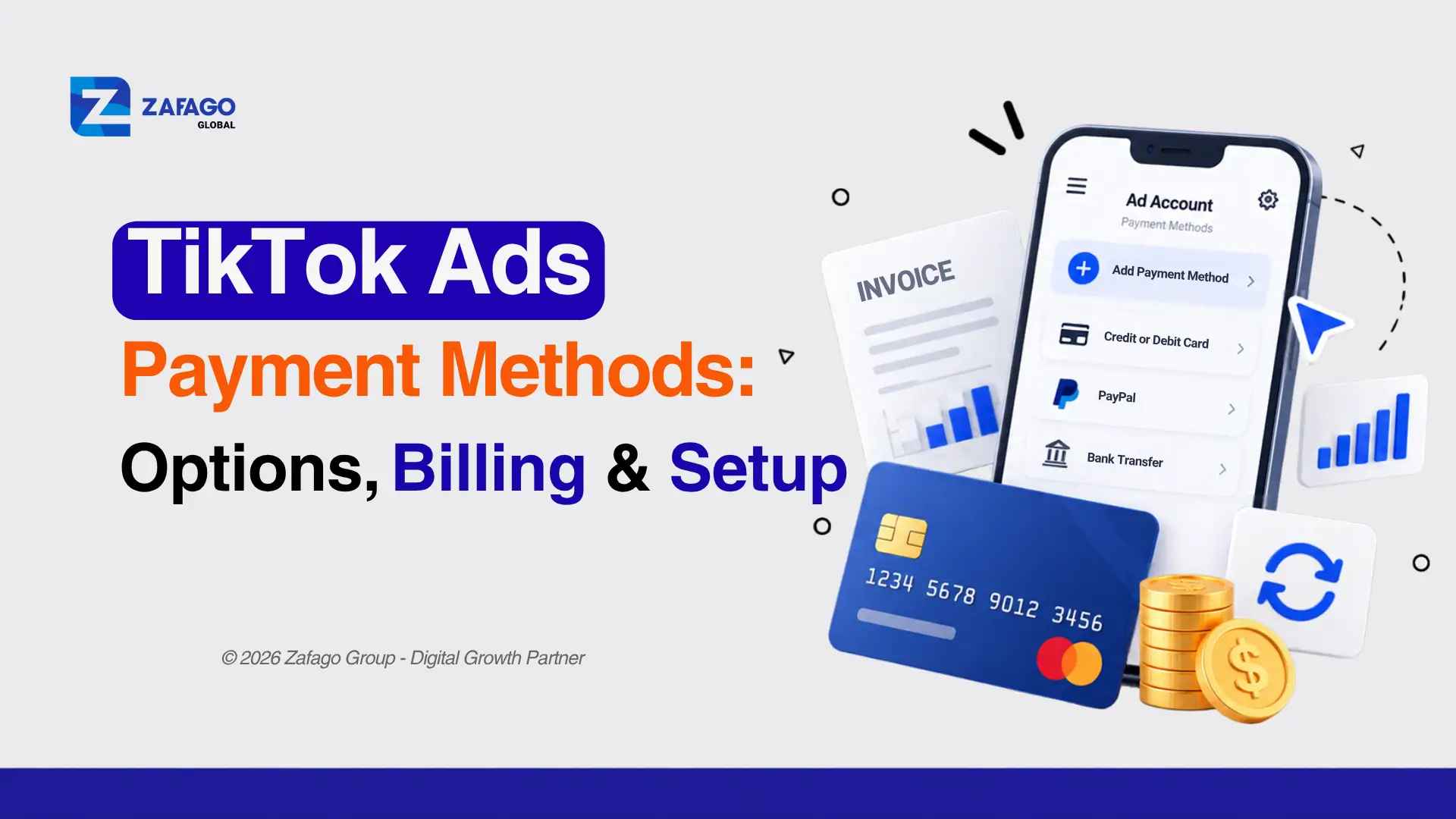
TikTok Ads Payment Methods: Options, Billing & Setup
Choosing the right TikTok Ads payment methods helps advertisers pay for campaigns, manage billing, and avoid unexpected payment interruptions.
Depending on the account’s billing country, currency, and eligibility, advertisers may use credit cards, debit cards, bank transfers, or other supported options. TikTok also offers different billing arrangements, including manual payment, automatic payment, and monthly invoicing.
This guide explains how to pay for TikTok Ads, set up payment methods, resolve common billing problems, and choose a suitable payment workflow for self-serve or agency-managed advertising accounts.
What Payment Methods Does TikTok Ads Accept?
TikTok Ads supports different payment methods depending on the advertiser’s location, account currency, and selected billing option.
Commonly supported payment methods include:
- Credit cards: Used for payments where the card issuer and TikTok support the transaction.
- Debit cards: Available for eligible accounts and billing configurations.
- Bank transfers: Available for supported payment arrangements and eligible billing setups.
- Other regional payment options: Availability depends on the country, account configuration, and TikTok’s current payment support.
Not every advertiser will see the same list of methods.
For example, an account registered in one billing region may offer different payment options from an account registered elsewhere. The available methods must therefore be checked within the specific advertising account.
According to TikTok’s Supported Payment Methods guide, advertisers can review eligible payment methods through the Billing section in TikTok Ads Manager or Payment Management in Business Center.
This is particularly important for international sellers managing campaigns in different markets. Before making a payment, they should verify both the account currency and the billing country.
TikTok Ads Billing Options: Manual, Automatic, and Monthly Invoicing
Different TikTok Ads payment methods work with different billing arrangements. Advertisers should understand these differences before selecting manual payments, automatic payments, or monthly invoicing.
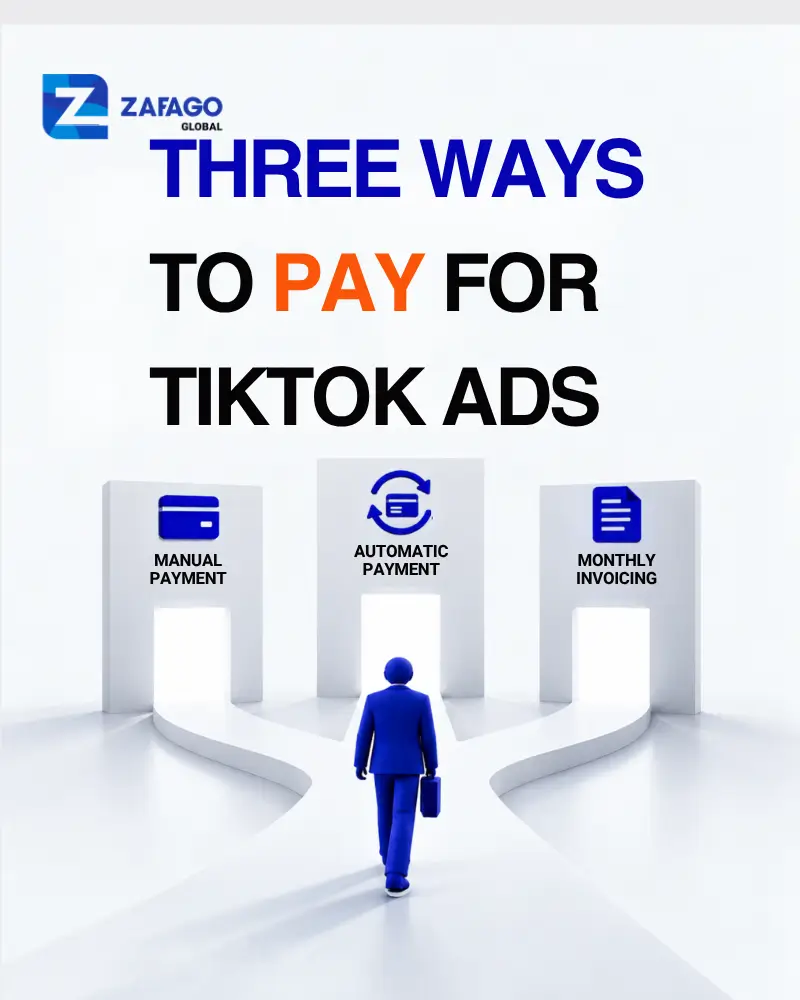
Three TikTok Ads payment methods: manual payment, automatic payment, and monthly invoicing
A payment method determines how money is transferred or collected, while a billing option determines when an advertiser is charged.
TikTok provides three main billing arrangements, subject to account eligibility.
| Billing option | How it works | Best suited for |
|---|---|---|
| Manual Payment | Advertisers add funds before running ads, and costs are deducted from the available balance. | Businesses that prefer prepaid budget management |
| Automatic Payment | TikTok charges the primary payment method when the billing threshold or billing date is reached. | Advertisers seeking recurring payment collection |
| Monthly Invoicing | Eligible businesses receive invoices and pay according to agreed payment terms. | Qualified businesses with established billing arrangements |
1. Manual Payment
With manual payment, advertisers add money to their TikTok Ads account before running campaigns.
Advertising costs are deducted from the prepaid balance. When the available balance becomes insufficient, campaign delivery may stop.
For example, a seller may allocate a prepaid advertising budget to test new creatives. The available balance decreases as advertising costs accumulate.
Manual payment provides clear visibility into prepaid funds, but advertisers must monitor balances to prevent unexpected interruptions.
Advantages:
- Budget is funded before campaigns run.
- Advertisers can track remaining prepaid funds.
- Suitable for businesses that prefer controlling funding in advance.
Limitations:
- Campaigns may stop when the balance is insufficient.
- Advertisers need a process for replenishing funds.
- Changing billing options later may be restricted.
2. Automatic Payment
Automatic payment allows eligible advertisers to have advertising charges collected automatically.
TikTok generally charges the primary payment method when an assigned billing threshold is reached or on the billing date, whichever comes first.
This reduces the need to manually settle each billing event, but advertisers must keep their payment information valid.
Advantages:
- Less manual payment administration.
- Charges are collected according to the assigned billing schedule.
- Suitable for advertisers managing ongoing campaigns.
Limitations:
- Failed charges can interrupt advertising.
- A valid primary payment method is required.
- Available billing arrangements may depend on account eligibility.
Important: Automatic Payment is different from Automatic Balance Recharge. Automatic Balance Recharge adds funds to a prepaid balance when a configured threshold is reached, where the feature is supported.
3. Monthly Invoicing
Monthly invoicing is available to eligible businesses that qualify for this billing arrangement.
Instead of paying before every campaign or having every charge collected automatically, the advertiser receives invoices under the applicable payment terms.
This option may be useful for businesses with established financial and accounting processes.
However, monthly invoicing is not automatically available to every TikTok Ads account. Eligibility and payment terms must be confirmed with TikTok.
For complete details, see TikTok’s official billing options documentation.
How to Add or Update a TikTok Ads Payment Methods
To add or update a supported payment method in TikTok Ads Manager:
- Log in to TikTok Ads Manager.
- Open Tools → Settings → Billing.
- On the Payment page, select + Add payment method.
- Choose an available payment method and enter the required details.
- Click Submit and complete any required verification.
To update an existing method, select the three-dot menu next to it and choose an available action, such as Make primary, Update, or Remove.
The available options depend on the account’s billing configuration and eligibility.
Update a Payment Method in TikTok Business Center
If the advertising account is managed through Business Center, payment methods may need to be managed there instead.
- Log in to TikTok Business Center.
- Open Finance → Payment management.
- If the account uses Payment Portfolio, select Manage under Payment methods.
- If Payment Portfolio has not been enabled, select Settings next to the available balance.
- Add or update the payment method, then submit the changes.
Only users with the required administrative or financial permissions can manage these settings.
For the latest interface changes, refer to TikTok’s official payment method instructions.
How to Choose the Right TikTok Ads Payment Methods
The most suitable payment arrangement depends on campaign volume, financial management preferences, and the advertiser’s account configuration.
Consider Your Advertising Budget
For advertisers running occasional tests, manual payment may be convenient because funding is added before campaigns begin.
Businesses running continuous campaigns may prefer automatic payment if their accounts support it and their payment methods remain reliable.
Larger eligible advertisers may consider monthly invoicing when available.
Check Your Billing Country and Currency
Payment methods are not universally available across all TikTok Ads accounts.
Before selecting a payment method, confirm the advertising account’s billing country, supported currency, and available payment options.
This is particularly relevant when operating in multiple international markets.
Evaluate Payment Reliability
A payment method should be able to handle expected advertising charges without repeated authorization failures.
Advertisers should confirm that their payment provider supports the transaction, that sufficient funds or credit are available, and that any required verification can be completed.
Plan for Campaign Continuity
Payment arrangements should also match the campaign’s expected spending pattern.
A campaign with continuous daily spending requires closer monitoring of its funding or billing status than a short advertising test.
Businesses should establish clear responsibilities for checking balances, reviewing failed payments, and resolving billing issues.
Payment reliability is only one part of maintaining campaign performance. Advertisers should also monitor spending efficiency and identify issues that increase TikTok advertising costs before scaling their budgets.
Which Payment Method Is Best for a TikTok Ads Agency Account?
The best payment method for a TikTok Ads agency account depends on how the account is funded and managed.
For self-serve accounts, advertisers may choose manual or automatic payment based on the billing options available to them. However, agency-managed accounts can follow a different funding process.
Before selecting a payment method, advertisers should confirm:
- Funding workflow: Whether payments are made directly to TikTok or through the agency’s platform.
- Currency and fees: Which currencies are supported and whether additional processing fees apply.
- Payment processing: How funds are credited and allocated to advertising accounts.
- Account access: Who manages payment information and financial permissions.
- Unused balance: What happens to remaining funds if campaigns are paused or accounts are closed.
There is no single payment method that works best for every agency account. Businesses should verify payment terms and account responsibilities before transferring advertising funds.
Common TikTok Ads Payment Problems and How to Fix Them
Payment problems can interrupt advertising delivery even when campaigns are otherwise configured correctly.
Understanding the most common causes helps advertisers respond more efficiently.
TikTok Ads Payment Failed
A payment may fail because of incorrect billing information, an expired card, insufficient funds, bank authorization problems, or a verification error.
If a transaction fails:
- Check the payment details entered in TikTok Ads Manager.
- Confirm that the payment method is valid and has sufficient funds.
- Review any bank authorization or security verification requirements.
- Try another supported payment method if necessary.
- Contact the payment provider or TikTok Business Support if the issue continues.
Avoid repeatedly retrying transactions without first identifying the likely cause.
Unsupported Payment Method
Not every card or payment service is supported in every billing region.
If TikTok displays an unsupported payment error, check the list of payment methods available to the specific advertising account.
If the method is not supported, select another eligible option.
Insufficient Account Balance
For manual payment accounts, campaign delivery depends on the availability of prepaid funds.
When the balance is insufficient, advertisers may need to add funds before ads can continue.
A practical approach is to review expected daily spending and maintain an appropriate balance buffer.
Automatic Payment Issues
Automatic charges can fail if a card expires, a bank declines the transaction, or the account does not have enough available credit.
Advertisers should regularly review the primary payment method and unresolved balances.
Where supported, adding another valid payment method can help with payment management.
TikTok Ads payment failure can interrupt advertising campaigns even when ads are ready to perform
Managing Payments Across Multiple TikTok Ads Accounts
Payment management becomes more complex when businesses operate several advertising accounts or campaigns in different markets.
Teams may need to coordinate payment responsibilities, monitor available balances, and maintain consistent billing records.
Three practices can help.
1. Centralize Payment Tracking
Maintain a shared record of advertising accounts, billing currencies, funding arrangements, and account balances.
This can help teams identify accounts requiring attention before campaigns are interrupted.
2. Assign Financial Responsibilities
Clearly define who can add payment methods, approve funding requests, and review billing records.
For accounts managed through TikTok Business Center, use the available permission settings rather than sharing sensitive account credentials.
3. Monitor Campaign Spending and Billing Separately
Campaign budgets and payment arrangements serve different purposes.
A campaign budget controls planned advertising expenditure, while the billing setup determines how that expenditure is funded or collected.
Monitoring both helps businesses avoid confusing delivery problems with payment-related interruptions.
How Agency-Supported TikTok Ads Payments Work
Businesses using agency-supported advertising accounts may follow a different funding workflow from advertisers paying TikTok directly through self-serve accounts.
For example, Zafago provides an agency account service through its advertising platform.
According to Zafago’s published process, advertisers can:
- Register an account on the Zafago platform.
- Request a TikTok Agency Ad Account.
- Add advertising funds to their Zafago balance.
- Allocate available funds to their TikTok advertising account.
- Begin running eligible advertising campaigns.
This process enables businesses to manage funding through Zafago’s platform rather than assuming that every payment must be made directly within a self-serve TikTok Ads Manager account.
For businesses considering an agency-managed setup, understanding the funding process is just as important as choosing an account.
Advertisers can explore Zafago’s TikTok Agency Ad Account service for details about account setup and funding support. Before choosing an arrangement, it is also worth comparing the costs of buying versus renting a TikTok Ads account, including funding terms, account access, and unused balances.
Best Practices to Prevent TikTok Ads Billing Interruptions
Regardless of account type, advertisers should establish a reliable payment-management process.
Monitor available balances regularly. For prepaid accounts, review remaining funds against expected campaign spending.
Keep payment details updated. Replace expired cards and verify that supported payment methods remain available.
Review billing information before scaling. A larger campaign budget may increase the frequency or size of payment transactions.
Understand billing thresholds. For automatic payment accounts, charges can be triggered by the billing threshold or billing date.
Maintain accurate records. Track payments, invoices, account balances, and relevant transaction confirmations.
Prepare a response process. Know which team member or provider to contact if payments fail.
For businesses managing multiple advertising accounts, a consistent payment workflow can reduce administrative confusion and help maintain campaign continuity.
Conclusion
Understanding TikTok Ads payment methods is essential for advertisers who want to manage budgets and reduce avoidable campaign interruptions.
Credit cards, debit cards, bank transfers, and other available methods may be used under different billing arrangements, including manual payment, automatic payment, and monthly invoicing.
The right choice depends on account eligibility, billing country, available currency, campaign spending, and financial management requirements.
For businesses expanding into international markets or managing multiple campaigns, reliable funding processes become increasingly important.
If your business needs an agency-supported advertising account and a structured funding workflow, explore Zafago’s TikTok Agency Ad Account service to learn more about the available setup and support options.
Frequently Asked Questions
What payment methods does TikTok Ads accept?
TikTok Ads supports eligible credit cards, debit cards, bank transfers, and other regional payment options. Availability depends on the account’s billing country, currency, and billing arrangement.
How do I pay for TikTok Ads?
Log in to TikTok Ads Manager, open Tools → Billing, and review the available payment options. Manual payment accounts require available funds, while automatic payment accounts are charged according to their billing settings.
What is the difference between manual and automatic payment?
Manual payment uses prepaid funds to cover advertising costs. Automatic payment charges an eligible payment method when the billing threshold or scheduled billing date is reached.
What is the best payment method for a TikTok Ads agency account?
The best option depends on the agency’s funding workflow, supported currency, payment fees, processing requirements, and account permissions. Confirm the terms before transferring funds.
Why was my TikTok Ads payment declined?
Common causes include insufficient funds, expired cards, incorrect payment information, unsupported payment methods, or bank authorization issues. Check the transaction status and contact the payment provider or TikTok Support when necessary.
ZAFAGO GLOBAL – Digital Growth Partner
Zafago Global is a Performance Digital Marketing Agency dedicated to partnering with businesses to optimize strategies and drive sustainable revenue growth.